
Search engine optimization sounds technical, but for a pool builder it comes down to a simple idea: when a homeowner in your service area searches for a pool builder, you want to be one of the companies they see, and you want what they see to be convincing.
This guide sticks to the basics that Google itself documents and the habits that tend to help local businesses. We will not promise rankings, because no one can, and we will not pretend to know the inner workings of Google's systems. What follows is a practical order of operations you can work through over a few months.
How local search works for pool builders
When someone searches for something like "pool builder near me" or "custom pools in" a city, Google often shows a map with a few businesses, followed by regular web results. Both can send you leads. The map results draw heavily on your Google Business Profile. The regular results draw on your website's pages.
Google has said publicly that local results are based mainly on relevance, distance and prominence. In plain terms: how well your listing matches the search, how close you are to the searcher, and how well known you seem. You cannot change where your office is, but you can improve the other two.
Step 1: Get your Google Business Profile right
This is the highest-return task on the list, and it is free. If you only do one thing from this guide, do this.
- Claim and verify the profile so you control what it says.
- Pick an accurate primary category, then add secondary categories that truly apply.
- Set your service area to the places you actually work.
- Write a clear description of what you build, in normal language.
- Add services such as new pool construction, remodels, spas and outdoor living, if you offer them.
- Check phone, website and hours for accuracy.
- Post updates and photos from recent projects.
Avoid stuffing keywords into your business name. Google's guidelines ask for your real-world name, and fake names can get a profile suspended.
Step 2: Build service pages for each city and each service
A single "Services" page rarely does enough work. Homeowners search for specific things, so give each one its own page.
Service pages
Create a page for each major thing you do, such as custom pools, fiberglass pools, pool remodels, spas and water features. On each page, explain what the service involves, what choices the homeowner has, how your process works, and what to do next. Include photos of your own projects.
City pages
If you serve several cities, make a page for each one you want work in. The important rule is that each page should say something real about that place: projects you have completed there, local permit or HOA notes, soil or climate considerations, neighborhoods you know. A page that repeats the same text with a different city name is thin, and Google's documentation warns against pages made mainly to rank for many locations.
If you cannot say anything real about a city yet, hold off on the page until you have a project there.
Step 3: Earn reviews, and keep earning them
Reviews help in two ways. Google has said that review count and ratings can factor into local prominence, and homeowners read them before they call. Both reasons point the same direction.
- Ask every happy customer, ideally within a few days of finishing the job.
- Make it one tap by texting the direct review link.
- Reply to every review, including critical ones, calmly and without arguing.
- Do not buy reviews, trade discounts for reviews, or write your own. It breaks platform rules and it can backfire.
- Mention reviews on your website so people see them near your call to action.
A steady trickle looks more natural and works better than a burst once a year.
Step 4: Keep your name, address and phone consistent
SEO people call these citations, or NAP: name, address, phone. Wherever your business appears online, such as directories, the chamber of commerce, supplier dealer pages and social profiles, the details should match.
- Pick one version of your business name, address and phone number.
- Search for your business name and note every listing you can find.
- Fix any that are wrong or outdated, and remove duplicates.
- Use the same details on your website footer and contact page.
If you work from a home office and hide your address on Google, keep that approach consistent too. Do not publish a fake address.
Step 5: Use real photos, and describe them
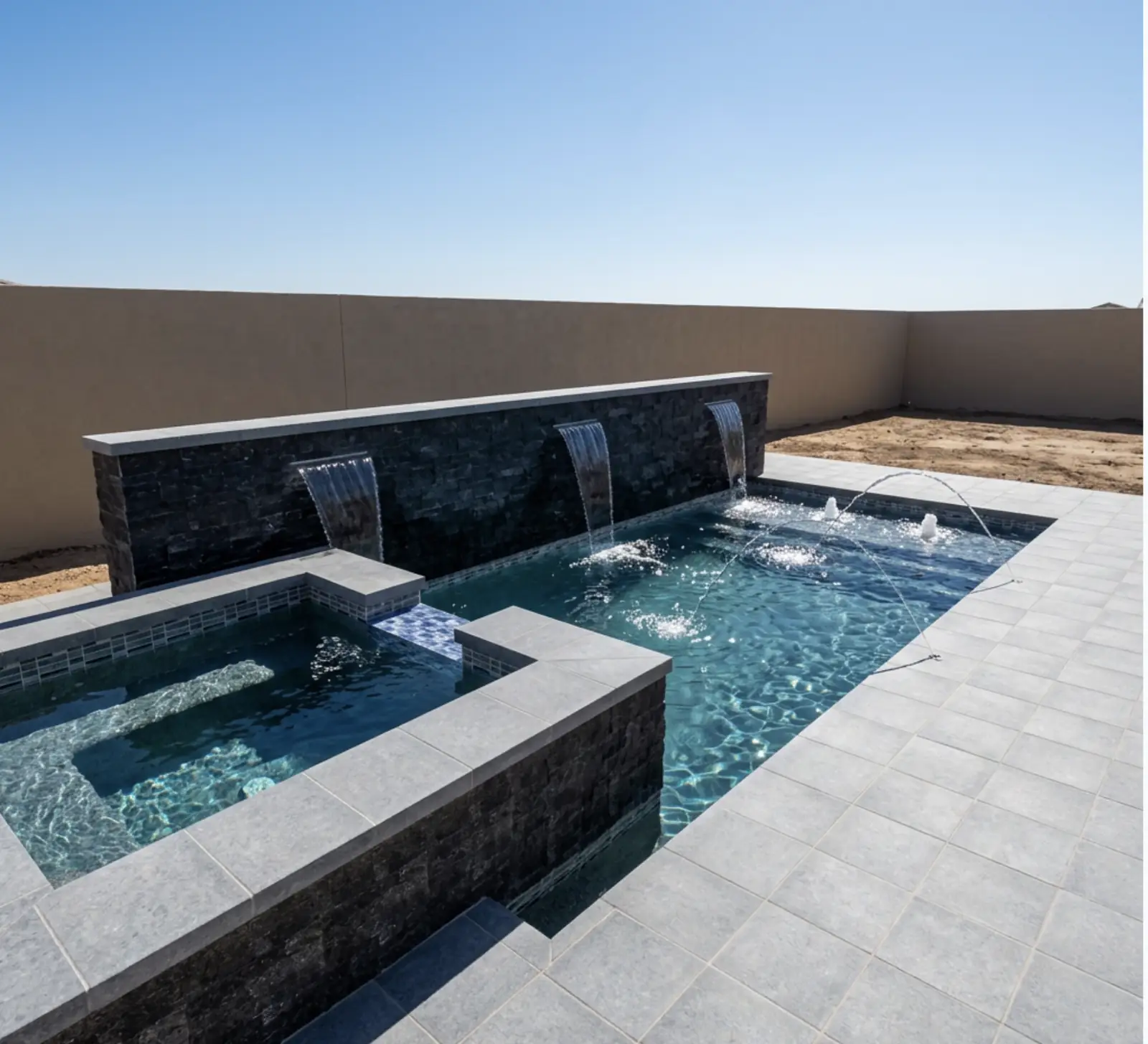
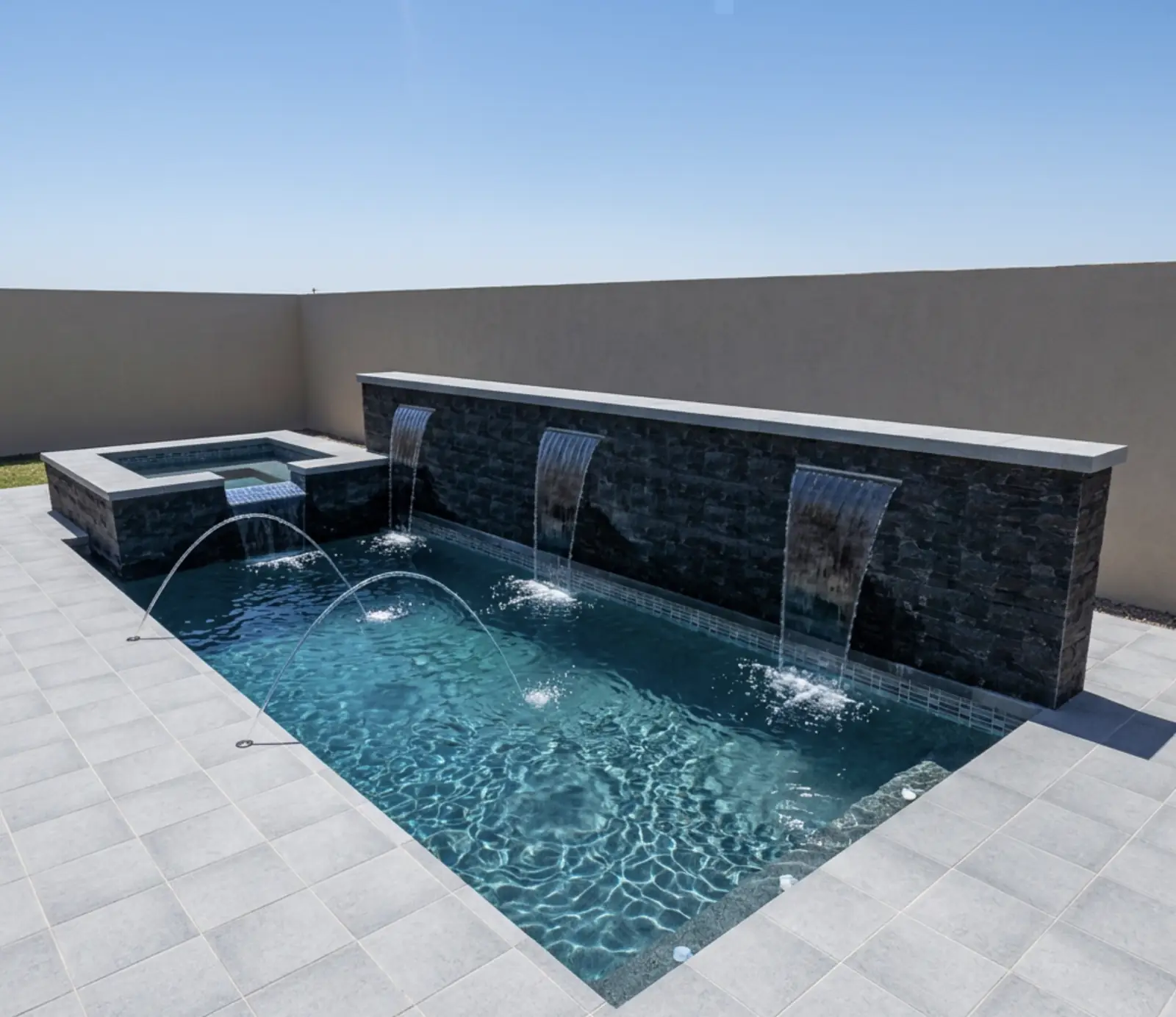
Photos help in search and in conversion. Use your own images of finished pools, not stock photos, and give each one a short, accurate description in the alt text, such as "freeform pool with tanning ledge and travertine deck." Compress them so pages load quickly, and give them sensible file names.
On your Google Business Profile, add new photos regularly. A profile with fresh, real images looks active, and active listings tend to earn more trust from homeowners.
Step 6: Make your site fast and mobile friendly
Many homeowners browse on their phones, often while doing something else. A slow page loses them. Google has said page experience matters, and mobile friendliness is part of that.
- Test your key pages with Google's free PageSpeed Insights tool.
- Compress large images, and avoid loading huge galleries all at once.
- Make buttons large enough to tap and text large enough to read.
- Keep your phone number a tap-to-call link.
- Use HTTPS, which most hosts include.
You do not need a perfect score. You need pages that load promptly and are comfortable to use on a phone.
Step 7: Publish helpful blog content
A blog gives you a way to answer the questions homeowners ask before they ever contact a builder. Think about the questions you hear on first calls: how much does a pool cost, how long does construction take, what is included in an estimate, what does HOA approval involve.
Write short, honest answers, using your own experience. Link from each post to the related service page, so readers can take the next step. Posts that explain pricing are especially useful, and you can point readers to deeper resources such as pool cost factors and what a pool estimate includes.
One useful post a month is better than ten rushed ones. Update older posts when your information changes.
Step 8: Earn links from people who know you
Links from other reputable websites tell search engines that others vouch for you. For a local builder, the best links come from real relationships, not link schemes.
- Suppliers and manufacturers that list authorized builders or dealers.
- HOAs and community associations where you have built, if they have a vendor page.
- Local organizations such as the chamber of commerce, builder associations and charities you sponsor.
- Local news and community sites if you complete a notable project or give back.
- Partners such as landscapers, designers and pool service companies who can list you.
Avoid buying links or joining link exchanges. Google's guidelines treat those as spam, and they can cause more harm than good.
Step 9: Track results with Search Console
Google Search Console is free, and it shows which searches bring people to your site, which pages get clicks and whether Google has trouble reading any of your pages. Verify your site, then check it once a month.
- Look at the queries that show your site, and note the ones with real buyer intent.
- Find pages that get impressions but few clicks, and improve their titles and descriptions.
- Check for pages with errors or that are not indexed.
- Pair it with your Google Business Profile insights to see calls and direction requests.
- Most important, ask every new lead how they found you and log it.
SEO moves slowly. Give changes several weeks before judging them.
Common mistakes to avoid
- Copying the same text across city pages. Each page needs something real to say.
- Ignoring the Google Business Profile. It is often the first thing homeowners see.
- Keyword stuffing. Write for people. If a sentence sounds strange read aloud, change it.
- Inconsistent contact details. Small mismatches add up.
- Slow, cluttered mobile pages. Most visitors will not wait.
- Buying links or reviews. Short-term tricks can hurt you.
- Stopping after launch. Search work is ongoing, not a one-time project.
- Getting traffic and giving it nothing to do. That one gets its own section below.
Where to start: verify and complete your Google Business Profile, fix your contact details across the web, and set up Search Console. That takes a few hours and sets up everything else.
Traffic is not leads: what happens after the click
SEO gets people to your site. What they do next is a separate problem, and it is where many builders lose the most. A homeowner who lands on a gallery and a contact form has little reason to act yet. They may not be ready to talk, and they may not know whether a pool fits their budget.
A design and estimate tool changes that. Visitors can design a pool on their own lot, see an itemized estimate, and share their contact details if they want to move forward. That tends to give visitors more to do and gives you more specific leads. We are not claiming it changes how Google ranks your pages, because we have no evidence of that. The benefit is on the conversion side: of the people who already found you, more of them have a reason to engage.
QuickPoolQuote is one example. It runs on your own website, builds the estimate from your own pricing, and the estimate is confirmed at your site visit. A lead is a homeowner who completes a design and submits contact info. See AI pool designer for what the experience looks like, or instant pool quote software for the quote side. If your market is in Arizona, there is also a page on pool builder software in Arizona.
For the marketing context around all this, read how to market a pool company, and for the website side of conversion, see how to get more pool leads from your website.
A simple monthly SEO routine
You do not need a big team. A routine of a couple of hours a month goes a long way.
- Add new photos and a post to your Google Business Profile.
- Ask for reviews from recent customers, and reply to any new ones.
- Publish or update one page or blog post.
- Check Search Console for new queries and errors.
- Review the lead source log and note which channels brought real inquiries.
Over a year, that adds up to a steady stream of fresh pages, reviews and photos, which is what a healthy local presence looks like.
Pricing note
For builders who want the design and estimate tool on their site, QuickPoolQuote plans start at $495 per month, or $4,752 per year with annual billing at 20% off, and include 100 leads per month. Extra leads come in packs of 50 for $199. There is no setup fee, and the tool is live in about 24 hours. Details are on the pricing page.
Common questions
How long does pool builder SEO take?
Small fixes, like a corrected Google Business Profile, can show effects within weeks. Content and links build over months. Treat SEO as steady work and judge it over a season, not a week.
Do I need a separate page for every city?
Only for cities where you want work and can say something real, such as completed projects or local requirements. A page with nothing specific to say is not worth publishing.
Can I do pool builder SEO myself?
Much of it, yes. Your Google Business Profile, reviews, photos and project write-ups are best handled by someone who knows your work. Technical items, such as speed or site structure, may need your web developer.
Does a design tool help my search ranking?
We cannot say that it does, and you should be wary of anyone who claims a specific effect. What it can do is give visitors something to do, so more of the traffic you already earn turns into leads.
Where can I get help setting up?
Visit get started, call 480-602-1192, or see the help center. If you need a website first, look at the free pool builder website page.
See it on your own website
Pool design software, with a price from your pricing, live in 24 hours.
More from the blog
Put design software on your website this week.
Homeowners who design their pool and see a price call you ready to build. Tiers start at $495 a month with no setup fee. See pricing